Sep 22, 2026Country Guides
Peru Customs Data (2026): Reading an Asymmetric Record Set
Peru's import and export fields are not symmetric — and that changes how you search. A direction-by-direction guide to what each side answers.
Peru carries HOT-flagged trade declarations on Customsdatas, and its record set holds a structural quirk that most buyers never notice until it costs them a search: the import and export sides are not symmetric. What you can look up on an inbound declaration differs from what an outbound one exposes.
Understanding that asymmetry before you search is the whole game with Peruvian data. This guide maps each direction to the questions it can answer — and, just as usefully, the ones it cannot.
The import side: exporter, description, code, quantity, weight, value, brand
Peruvian import declarations open seven fields to search: the exporting party, the product description, the HS code, the quantity, the weight, the value and the brand. This is the fuller side of the record set.
That combination is built for sourcing-side and sales-side work at once. If you sell into Peru, the exporting party field shows you which overseas suppliers already serve the market — your competitive map. The description and code fields find the category; quantity, weight and value measure the account; and the brand field identifies whose labels are moving.
Buyer tip: read the Peruvian brand field as a distribution map. Even if your own goods ship unbranded, the labels already moving through Peru point to the importers who hold shelf space in your category.
The export side: no supplier names — read it differently
Peruvian export declarations expose a narrower set — description, code, quantity, weight, value and brand, with no exporter named on the form. You can see what leaves the country and in what volumes, but the declaration itself will not hand you the shipping company's name.
This is not a defect; it changes the question the export side can answer. Use it for market structure — which product categories Peru ships, at what scale, and how the mix shifts over time — and for brand analysis, since the brand field remains searchable. For counterparty identification on the export side, the work moves to the import side, the platform's cross-market company and buyer records, and your own research.
Buyer tip: treat the Peruvian export side as a trend instrument, not a name list. Ask it what Peru is shipping more of each period; take the names from the import side and from outreach, not from the outbound file.
Why the asymmetry matters for your workflow
If you approach Peru expecting both directions to behave identically — as they do in markets with fully symmetric field sets — you will spend a day hunting exporter names in a view that does not carry them. Knowing the shape up front saves that day and sets the right expectations with your team.
The practical allocation: import side for buyer and competitor intelligence with full field coverage; export side for category trends and brand presence. Spanish-language records mean HS codes travel cleanly while description searches benefit from prepared Spanish terms.
The air cargo file, refreshed regularly
Air freight records are available for Peru, worth knowing in categories where goods fly — specialties, samples, higher-value components. Records are refreshed on a regular schedule, so the picture you search reflects current trade rather than an archive.
Three traps in asymmetric datasets
The first trap is assuming symmetry and exporting a process designed for another market. The second is over-reading the export side: trend lines from that direction are real, but the names are not there, and any list that pretends otherwise is fiction. The third is under-reading the brand field on imports — in a market where distribution is often held by importing houses, the brand column is the fastest route to the buyers that matter.
Avoiding all three comes down to the same habit: state, before each search, which direction you are querying and what that direction can and cannot return. Peruvian data responds precisely once the question is framed that way.
Where Peruvian demand concentrates
Peru imports across a broad industrial and consumer base, and the value field on the import side is a fast lens for where spend concentrates: categories where the declared values cluster high are the ones with real purchasing mass. Compare those concentrations against your own product class, and the answer to whether Peru deserves a quarter of outreach effort becomes a figure, not a feeling.
Pair that with recurrence — how many periods the same importing party appears in — and the market sorts itself into committed buyers, seasonal buyers, and noise. Spanish-language description searches finish the picture, since the declarations speak the local trade dialect.
Building the list from the fuller side
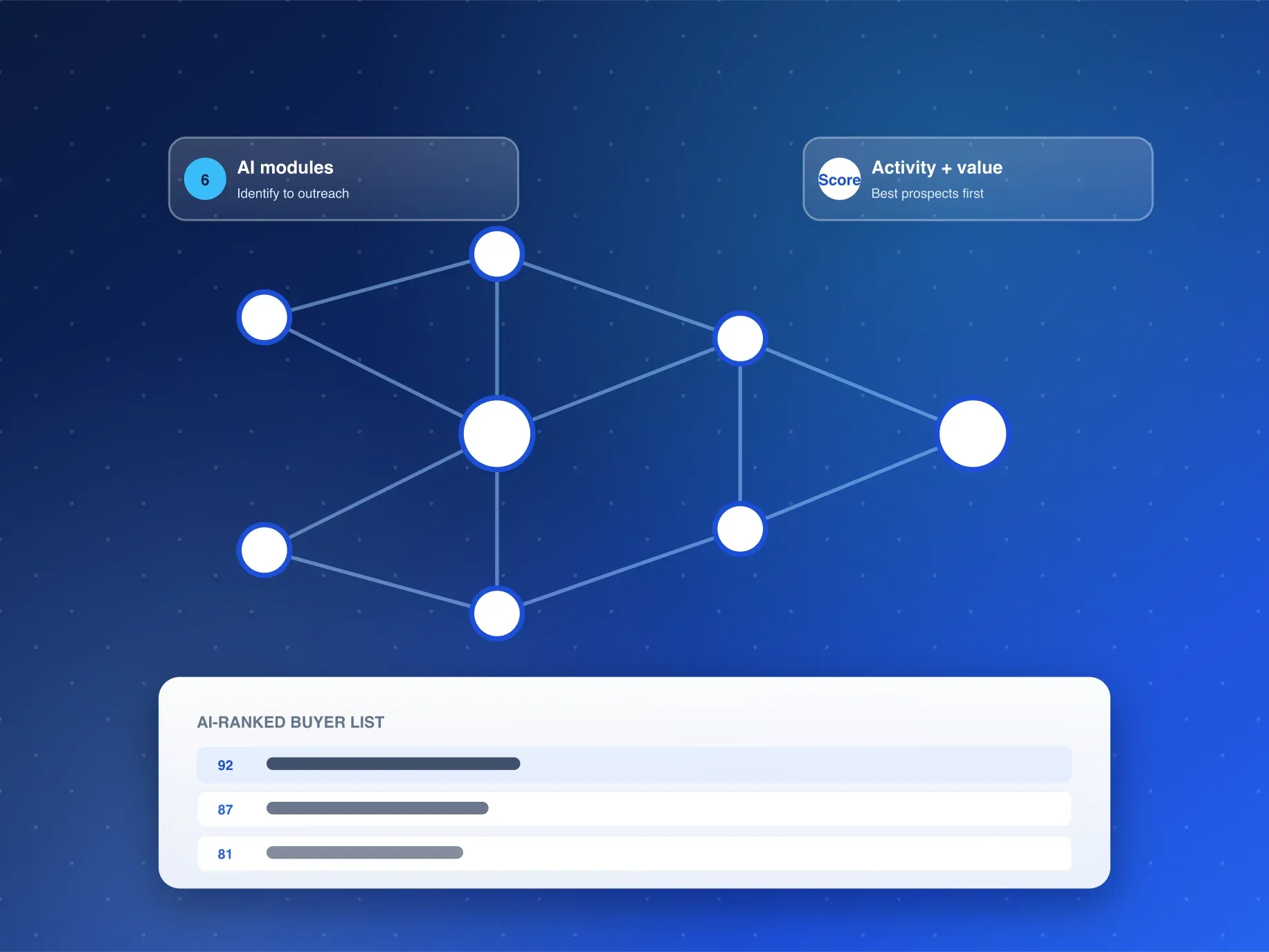
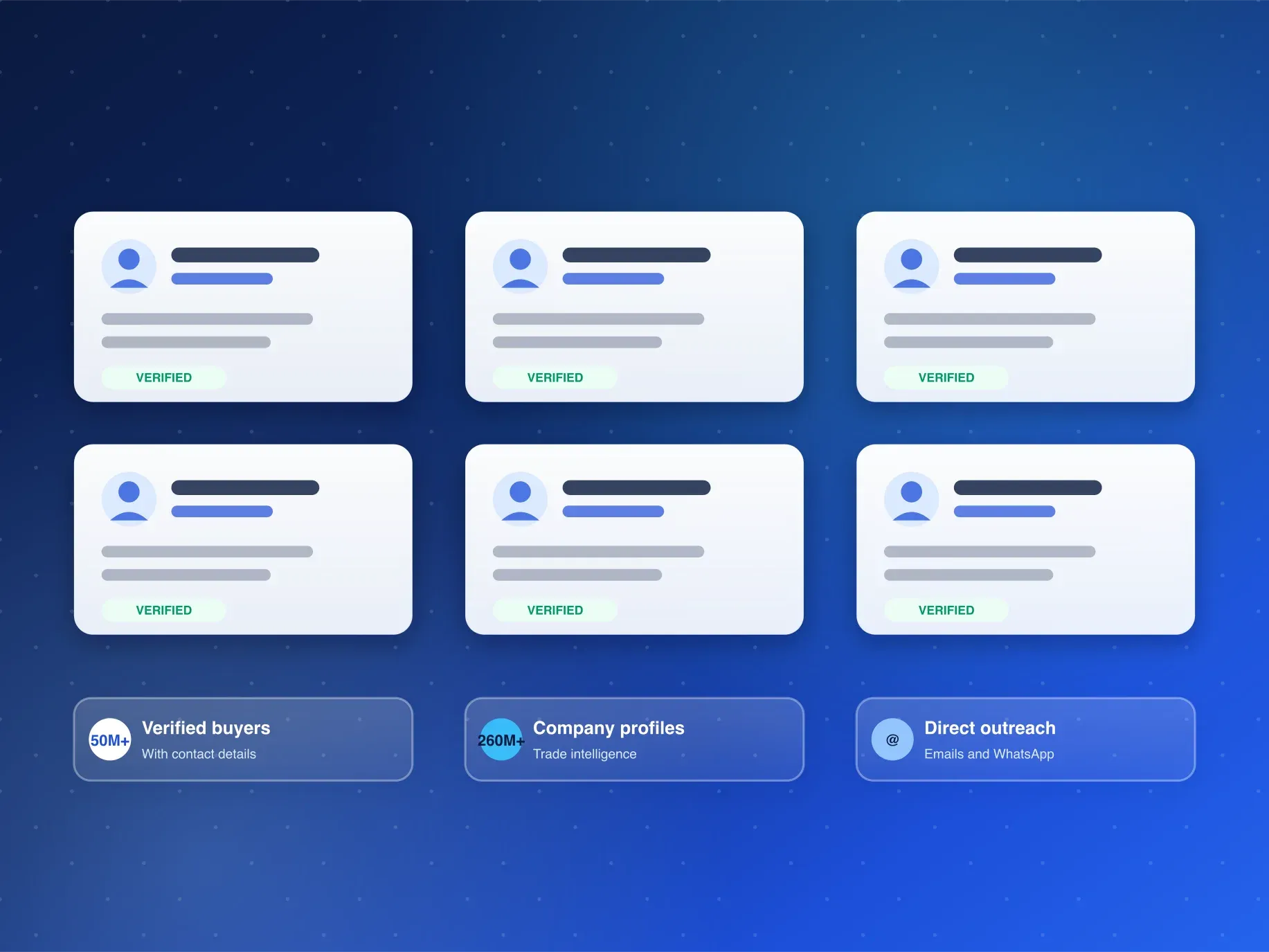
Once the import-side candidates are ranked, the AI Buyer Discovery Suite adds scoring — activity and opportunity value — and generates outreach lists with emails and WhatsApp contacts, while the similar-buyer and competitor modules extend and protect the list. On an asymmetric dataset, starting from the fuller side and scoring early is what keeps quality high.
And keep a written field-map for Peru on your team wiki: which direction carries which columns, and which questions belong to which side. Asymmetric datasets stop being traps the moment the map is explicit — it is the difference between a team that re-learns Peru every quarter and one that searches it fluently from day one.
Frequently Asked Questions
What can I search on Peruvian import records?
Seven fields: exporting party, product description, HS code, quantity, weight, value and brand — the full set for finding suppliers, sizing accounts and reading brand presence.
Why do Peruvian export records not show supplier names?
The export-side field set is narrower by design: six columns, and the exporter is not one of them. For counterparty names on outbound trade, work from the import side and corroborating sources instead.
How do I get sample records for my product?
Request a free sample through the inquiry form or WhatsApp. The Customsdatas team replies within 24 hours (Mon-Sat, GMT+8) with Peruvian records matched to your product line.
Want to see both directions of Peruvian trade on your own HS code? Request a free sample from Customsdatas and read the asymmetry yourself within 24 hours.