Oct 7, 2026Guides
Customs Data Has No Contact Information? The Workflow That Fixes It
The most common complaint about customs data is that records name companies, not people. The complaint is fair — and there is a workflow that turns a company name into a verified conversation.
The most common complaint about customs data sounds like this: the record gives me a company name, a product, a weight and a date — but no email, no phone, no name of the person who actually signs the purchase order. So what am I supposed to do with a company name? The complaint is fair, and it deserves better than the usual reply that you should just search LinkedIn. This guide sets out the whole workflow, manual and automated, from a bare company name to a verified first conversation.
First, it helps to be precise about where the gap comes from. Customs declarations are documents about goods: what crossed a border, in what quantity, under which code, between which registered parties. Contact details of decision-makers are simply not part of what the paperwork captures — in any market, on any platform. So the gap is structural, not a defect of one provider. Once you see it that way, the question changes from which data has emails to what is the reliable way to bridge from company to person.
The company is the unit; the person is the project
A customs record is best read as a verified statement about a company: this business demonstrably imported this category, at this scale, on this date. That is enormously valuable and completely different from a contact. Treating the two as one step is where most frustration begins. The workflow below treats them as two: the record qualifies the company, and a separate, deliberate step attaches a person and a verified channel to it.
Buyer tip: when you shortlist companies from records, add a column called person status and leave it empty. The empty column is honest — it says the qualification is done and the contact work has not started yet.
Bridging company to person by hand
The manual route from company to person is well known and worth stating precisely, because most people do it half-way. Find the company's own website — not a directory listing — and read it for role signals: who owns the import file, who handles purchasing. Then find the individual on a professional network, confirming the role matches what the record suggested. Only then look for a channel: an email pattern, a contact form, a phone line. Each step filters, and the sequence matters: channel first is how emails go to people who left the company years ago.
Done for five companies, this is an hour of good work. Done for five hundred, it is a quarter of someone's life — which is exactly why the workflow below should be run manually once, to learn what good looks like, and then automated.
Three checks before a contact counts
A contact is not verified because it exists. It is verified when three checks pass: the person still holds a role relevant to the purchase, the channel reaches that person rather than a generic inbox, and the address has been confirmed as deliverable before your first message depends on it. Unverified volume is worse than a short verified list, because bounces and misdirected messages burn the sender reputation that every later campaign depends on.
The automated path
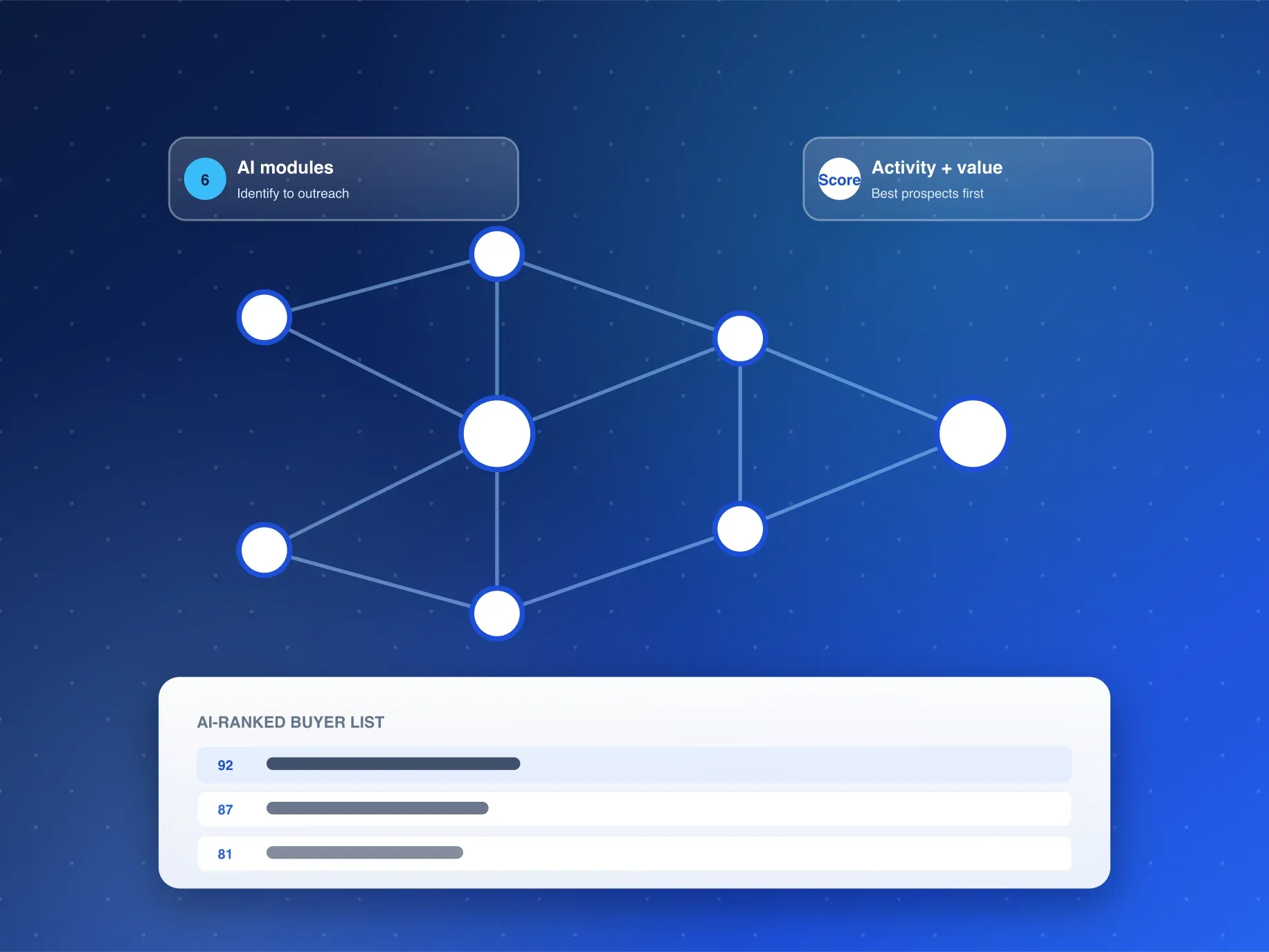
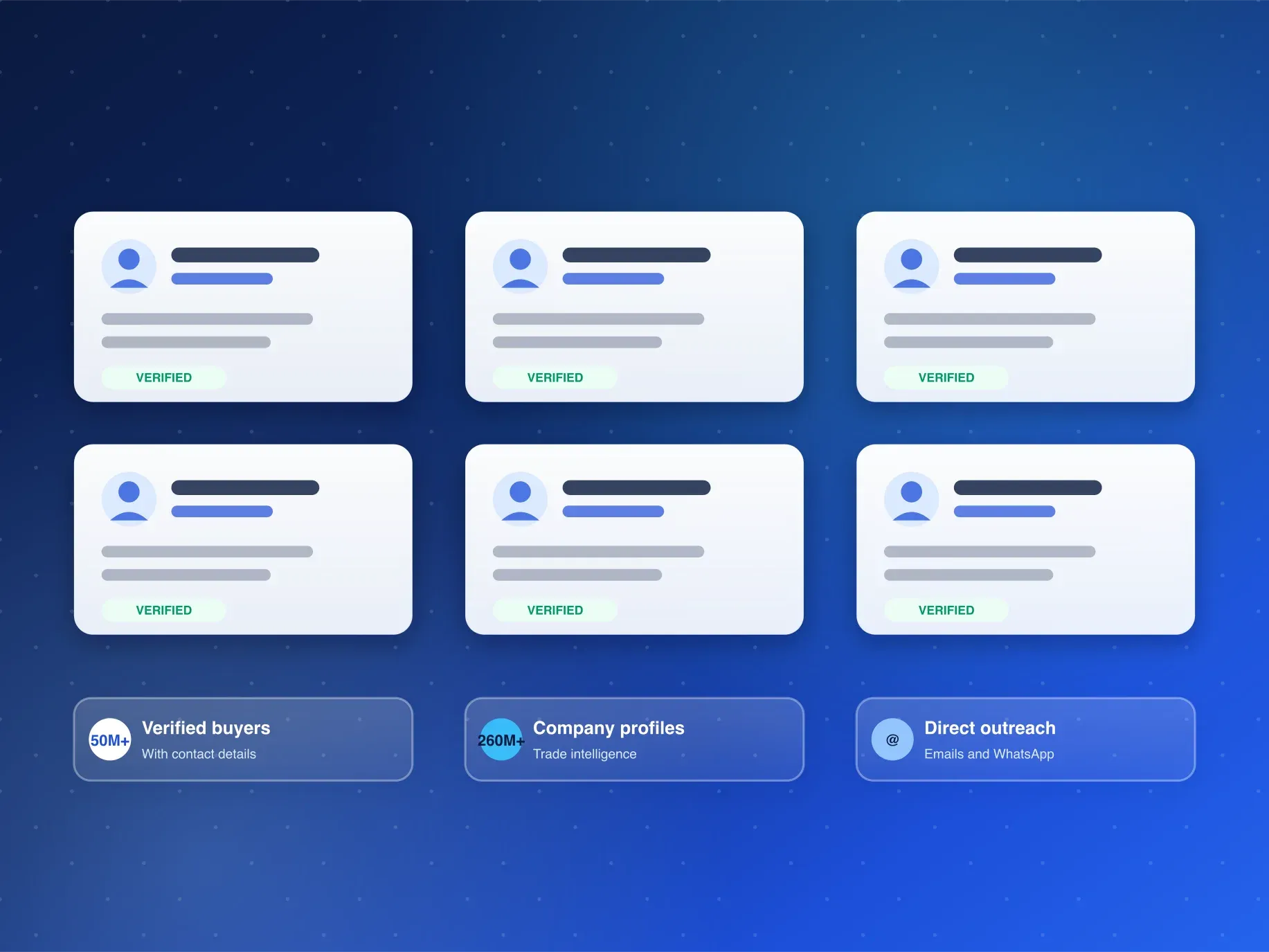
This bridge — from a qualified company to verified people and channels — is a repeatable sequence, and repeatable sequences are what the AI tools on Customsdatas automate. The AI Buyer Discovery Suite runs exactly this pass: identification, activity and opportunity value, market recommendation, similar-buyer discovery, outreach lists with emails and WhatsApp contacts, and competitor buyer detection. The customs record supplies the proof of buying activity; the suite attaches the people and the verified channels; the outreach list arrives with both parts joined.
The order matters even when automated. Identification and scoring run before contact discovery, so the effort spent finding people goes to companies that already earned it on activity and opportunity value — the same discipline as the manual workflow, at a different scale.
A first message the record makes possible
Once person and channel are attached, the customs record becomes the opening line. You know the category they import, the scale they buy at, and how recently they moved — so the first message can reference an observed fact instead of introducing a stranger. Messages built this way read as informed rather than cold, and informed is what tends to earn a reply.
Buyer tip: quote exactly one fact from the record in your first message — the category and the most recent window. One precise fact signals that the letter was written to them; three facts start to read like a report about them, and nobody replies to being analyzed.
What good looks like after a month
The workflow's output is measurable: companies qualified from records, people attached and verified, first messages sent against observed activity, replies started. When the numbers are tracked in that order, the original complaint turns into a funnel you can manage — and any weak stage is visible as a stage, not as a vague sense that the data does not work.
Frequently Asked Questions
Why don't customs records include emails and phone numbers?
Because declarations are documents about goods and registered parties, not about people. Decision-maker contacts live outside the paperwork, which is why attaching them is a separate workflow — manual or automated — rather than a column you can wish into the file.
Can I find the contacts myself instead of automating?
Yes, and doing it manually once teaches you what good looks like. The sequence — website, role match, channel, verification — is the same one the AI Buyer Discovery Suite automates; automation earns its keep when the list grows past a few dozen companies.
How do I see the contact workflow on my own records?
Request a free sample through the inquiry form or WhatsApp. The team replies within 24 hours (Mon-Sat, GMT+8) with records for your product line — and a walkthrough of how qualified companies become verified contacts.
Tired of company names with nowhere to go? Request a free sample from Customsdatas and see records, people and channels joined in one workflow within 24 hours.